In generative AI video production, character consistency and motion control have historically been the two hardest challenges to solve.
You spend hours crafting the perfect hero character, only for their face, hairstyle, or clothing to morph into an entirely different person three seconds into the video. Or you envision a dynamic, sweeping camera arc, only for the AI to deliver an awkward digital pan that ruins the scene.
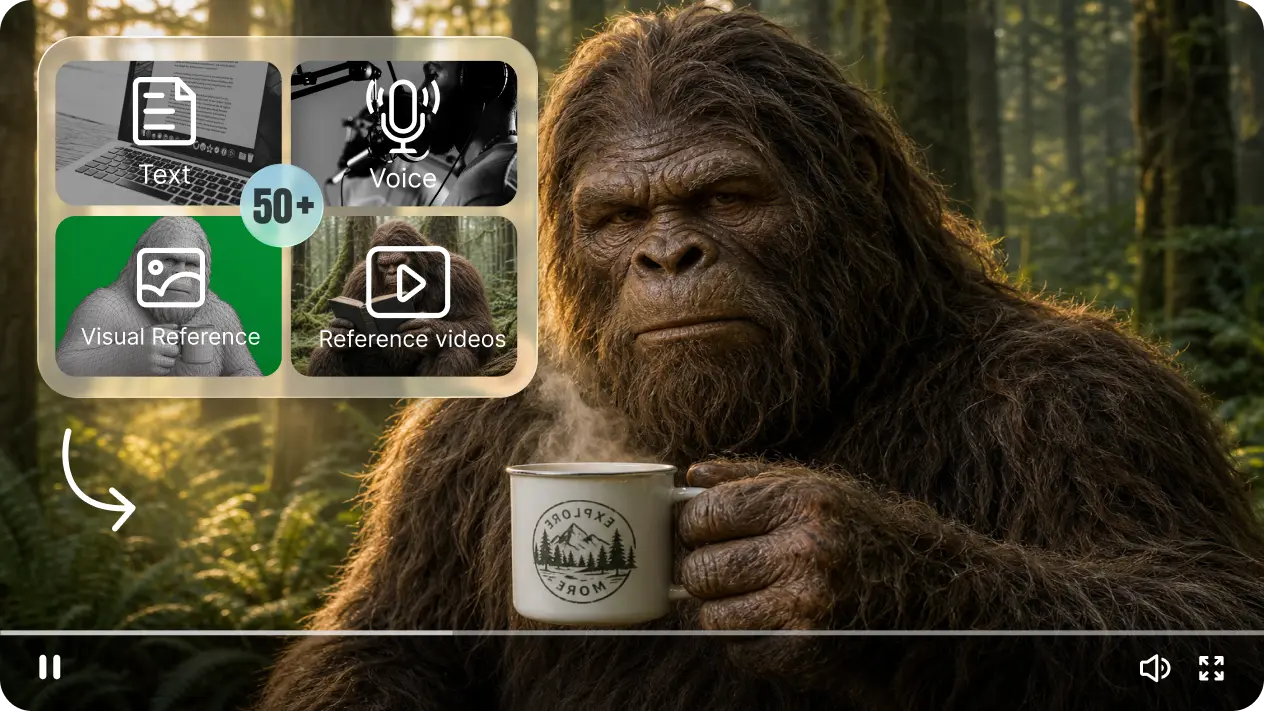
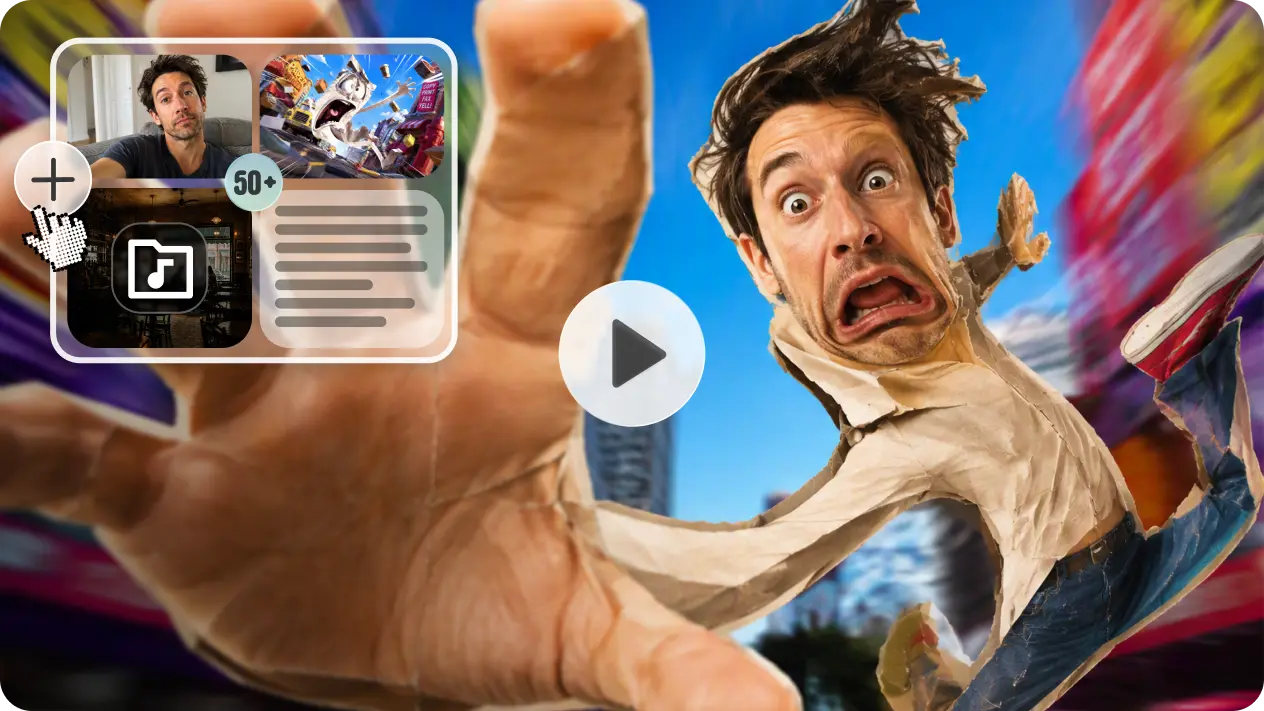
ByteDance's Seedance 2.5 fundamentally solves this problem through an unprecedented architectural upgrade: support for up to 50 multimodal reference files in a single generation session.
In this guide, we will unpack how to allocate these 50 slots across images, video clips, and audio stems to eliminate character drift and execute precision camera motion transfer.
The 50-Reference Architecture: What Can You Upload?
Seedance 2.5 breaks down its 50 multimodal input pipeline into three specialized categories:
| Asset Type | Maximum Slot Limit | Primary Production Function |
|---|---|---|
| Reference Images | Up to 30 files | Face identity anchoring, costume design, prop specifications, background concept art, color palette. |
| Reference Videos | Up to 10 clips | Camera trajectory transfer, character choreography, stunt physics, pacing/tempo reference. |
| Reference Audio | Up to 10 tracks | Sonic ambience, Foley rhythm synchronization, background score beats. |
How to Eliminate Character Drift: The 4-Step Anchoring Workflow
Character drift occurs when the diffusion model's cross-attention mechanisms prioritize prompt keywords over visual continuity. Here is how professional studios anchor identity in Seedance 2.5:
Step 1: Create a High-Fidelity Character Turnaround
Prepare 3 to 6 high-resolution images of your subject from multiple angles:
- Frontal eye-level portrait (neutral lighting)
- 45-degree three-quarter angle (left and right)
- Profile side-view
- Full-body silhouette establishing height and proportions
Upload these into the reference panel in the Seedance 2.5 Studio.
Step 2: Explicitly Tag Assets in Your Prompt
Never let the model "guess" what an uploaded file represents. Use explicit token referencing:
// Professional Asset Assignment Syntax:
@image1 = Protagonist facial identity (bone structure, eye color, skin tone).
@image2 = Costume reference (weathered shearling bomber jacket).
@image3 = Environmental background concept (brutalist concrete interior).
Step 3: Direct the Scene While Enforcing Identity
In your main prompt body, instruct Seedance to maintain strict adherence to your tagged references throughout the duration of the shot:
A 30-second continuous sequence featuring the protagonist defined by @image1 wearing the outfit in @image2.
The protagonist walks through the brutalist hallway matching the aesthetic of @image3.
Maintain absolute facial bone structure and facial hair continuity matching @image1 during all lighting shifts.
Precision Motion Transfer: Directing with Reference Videos
One of the most revolutionary features of Seedance 2.5 is Video-to-Video Motion Extraction.
Suppose you want to recreate the iconic spiraling dolly shot from Alfred Hitchcock's Vertigo, or an intricate parkour chase sequence. You do not need to struggle with complex text descriptions of rotation angles and focal millimeter shifts.
How Motion Transfer Works:
- Clip a 5-to-10-second MP4 showing the exact physical camera motion or physical action you want.
- Upload it to one of the 10 video reference slots (e.g., tagged as
@video1). - In your prompt, specify that
@video1governs camera trajectory and dynamic velocity, while@image1governs visual identity.
[Motion Directive]:
Extract the camera orbit velocity, acceleration curve, and focal zoom trajectory from @video1.
Apply this motion directly to the scene featuring character @image1 in environment @image3.
Zero stylistic bleed from @video1; strictly transfer spatial-temporal camera physics.
Audio-Visual Synchronization: Scoring While Generating
Most creators treat sound design as an afterthought, adding sound effects in external editors after video rendering is complete.
With Seedance 2.5, uploading up to 10 audio reference files allows the latent video diffusion model to synthesize visual physics in lockstep with acoustic peaks:
- Gunfire / Explosions: Visual muzzle flashes and smoke dispersal automatically snap to sharp percussive transients in
@audio1. - Music Video Pacing: Camera cutting or subject movement transitions organically synchronize with musical downbeats.
- Ambient Foley: Ambient wind, ocean waves, or bustling cafe audio stems inform the intensity of background foliage movement and pedestrian pacing.
Common Mistakes to Avoid When Using Multiple References
Take Your AI Filmmaking to the Next Level
Combining Seedance 2.5's native 30-second duration with its 50 multimodal reference engine gives independent creators capabilities that once required a multimillion-dollar Hollywood VFX department.
- 🚀 Try Multimodal Generation: Launch the Seedance 2.5 Image-to-Video Studio and upload your first reference assets.
- 💡 Get Inspired: Check out our Featured Prompts & Creative Gallery for multimodal sample workflows.
- 📖 Read Next: Seedance 2.5 vs Sora 2 vs Runway Gen-3: Full 2026 Comparison.