AI Image Upscaler Restore Ultra-Sharp 4K Clarity
Transform soft, low-resolution pictures into crisp, high-definition assets. Rebuild authentic textures, remove blur and pixelation up to 4K resolution.
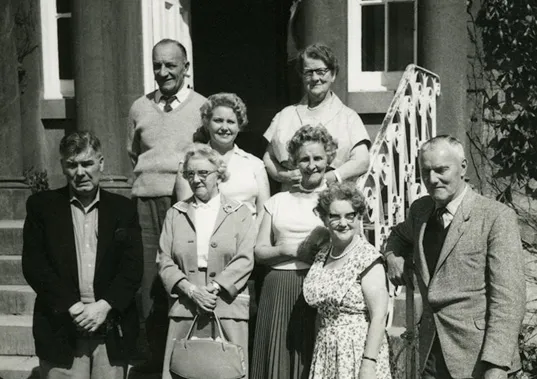
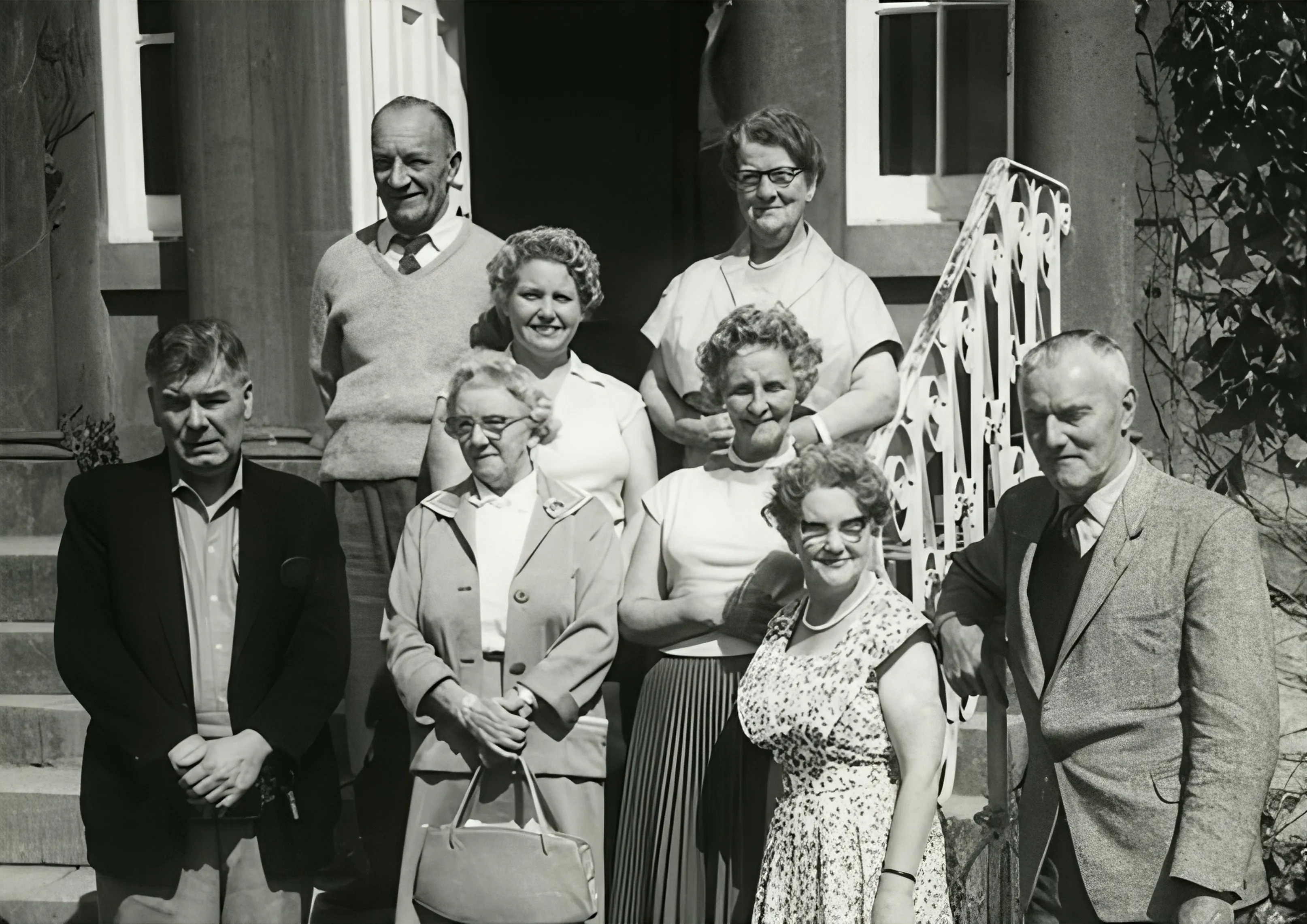
Credit Rules
Transparent credit consumption per image upscale. Select the resolution tailored to your target platform.
| Target Resolution | Scale Factor | Credit Cost | Recommended Use Case |
|---|---|---|---|
| 1K | 1x | 20 credits / image | Web graphics, social thumbnails, slight deblurring |
| 2K | 2x | 30 credits / image | High-res social posts, desktop wallpapers, marketing banners |
| 4K | 4x | 40 credits / image | Print production, commercial packaging, large-screen displays |
Why Choose Topaz AI Image Upscaler
State-of-the-art deep learning models that regenerate lost details instead of merely stretching pixels.
True Detail Reconstruction
Analyzes edge structures, skin pores, hair strands, and fabric textures to synthesize believable microscopic detail.
Intelligent Noise & Artifact Removal
Eliminates JPEG blocking artifacts, camera sensor ISO noise, and chromatic aberration without flattening critical textures.
Up to 4K Ultra-Definition
Boosts pixel count up to 4x while maintaining razor-sharp borders and natural contrast.
Instant Cloud Speed
Runs on enterprise GPU clusters. Achieve studio-grade 4K results in seconds without local hardware constraints.
How to Upscale Images with AI
Three simple steps to restore high-definition clarity to any picture.
Upload Your Image
Select or drag any JPG, PNG, or WebP file into the upload zone. Preview the source instantly.
Select Target Resolution
Choose 1K (10 credits), 2K (15 credits), or 4K (20 credits) based on your delivery requirements.
Upscale & Download
Click Upscale Image, compare the results against the original, and download lossless high-resolution output.
Frequently Asked Questions
Everything you need to know about AI image upscaling and credit billing.